Examples
A gallery of examples showing what you can build with llmcad. Each example includes the code and a rendered visualization.
Regenerate images
All images on this page are generated by docs/generate_examples.py. Run it to regenerate after code changes.
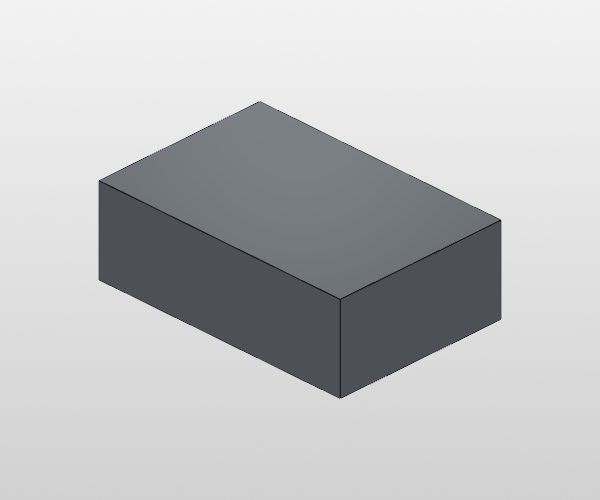
1. Simple Box
The most basic shape --- a rectangular box centered at the origin.
2. Cylinder
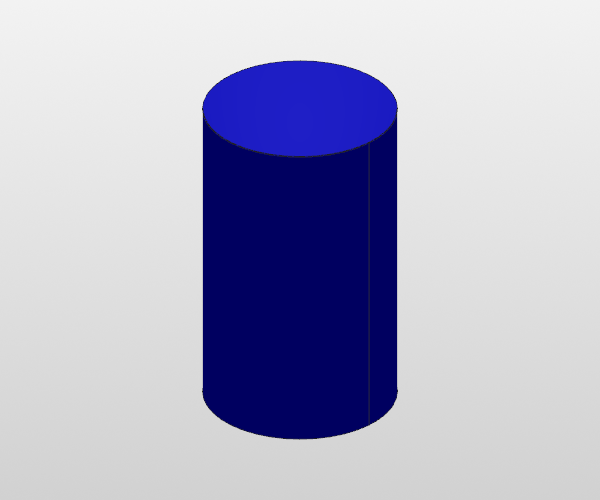
A cylinder centered at the origin, axis along Z. Note: the first argument is diameter, not radius.
3. Sphere
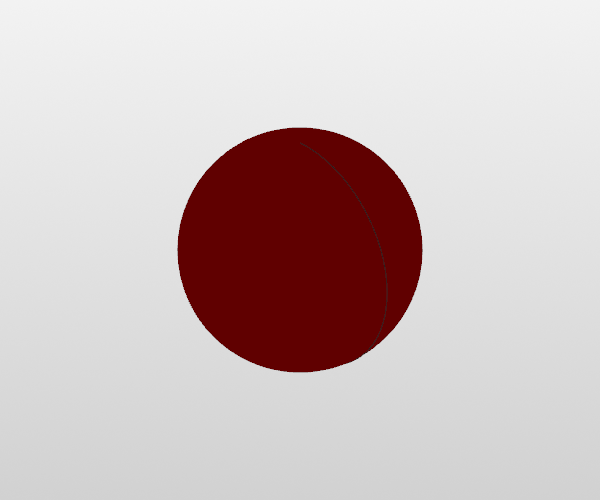
A sphere centered at the origin. Again, diameter not radius.
4. Plate with Hole
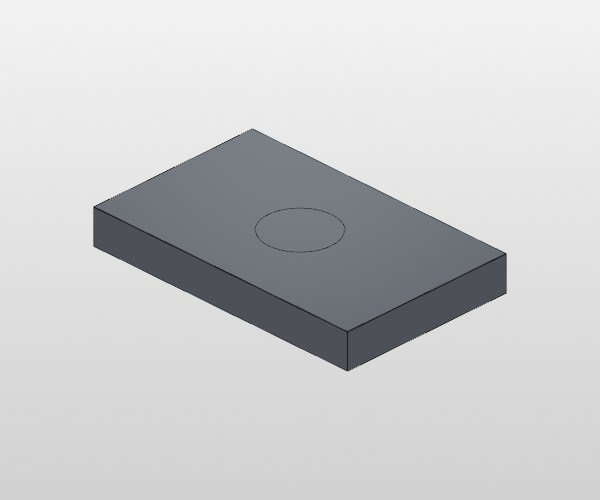
A rectangular plate with a circular through-hole. Demonstrates extrude() with through=True and boolean subtraction.
from llmcad import Box, Circle, extrude

plate = Box(80, 50, 10, color="steel")
hole = extrude(Circle(20).place_on(plate.top), through=True)
plate = plate - hole
5. Box with Boss
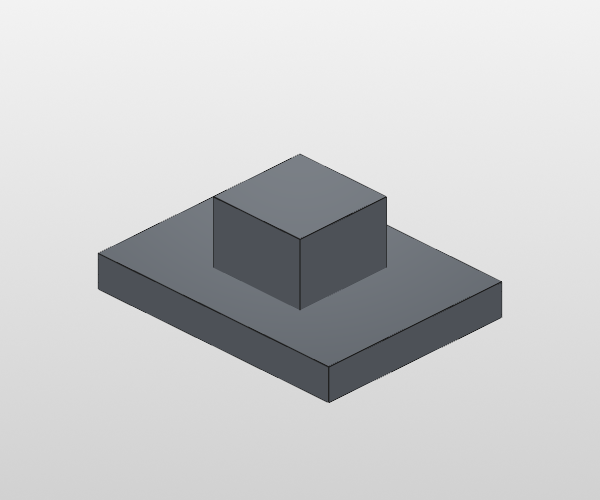
A raised rectangular boss on top of a plate. Demonstrates Rect sketch placement and boolean union.
from llmcad import Box, Rect, extrude

base = Box(80, 60, 10, color="steel")
boss = extrude(Rect(30, 30).place_on(base.top), amount=20)
base = base + boss
6. Filleted Edges
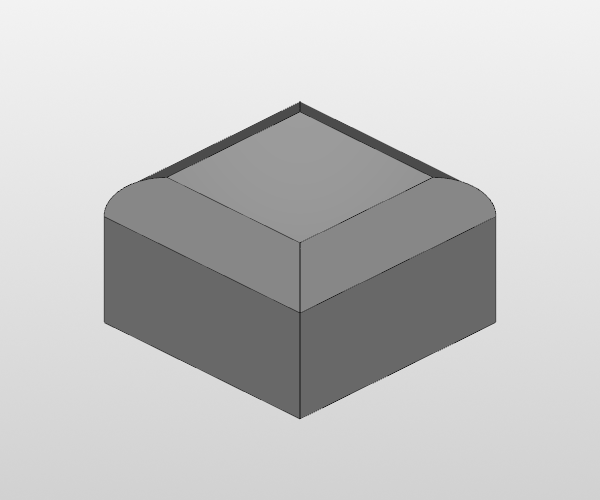
All top edges of a box rounded with a fillet.
from llmcad import Box, fillet

box = Box(50, 50, 30, color="silver")
box = fillet(box.top.edges, radius=8)
7. Chamfered Edges
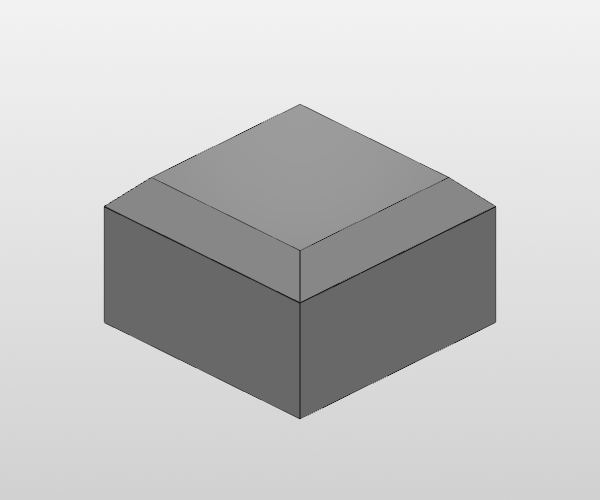
All top edges of a box beveled with a chamfer.
from llmcad import Box, chamfer

box = Box(50, 50, 30, color="silver")
box = chamfer(box.top.edges, size=6)
8. Boolean Subtraction
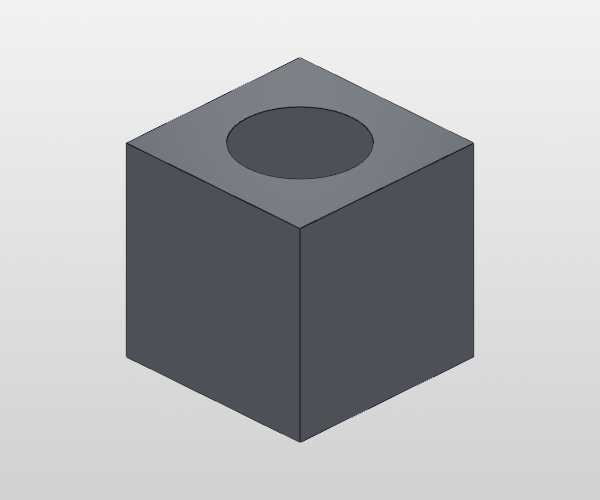
A cylinder subtracted from a box, creating a cylindrical channel.
from llmcad import Box, Cylinder

box = Box(50, 50, 50, color="steel")
cyl = Cylinder(30, 60)
result = box - cyl
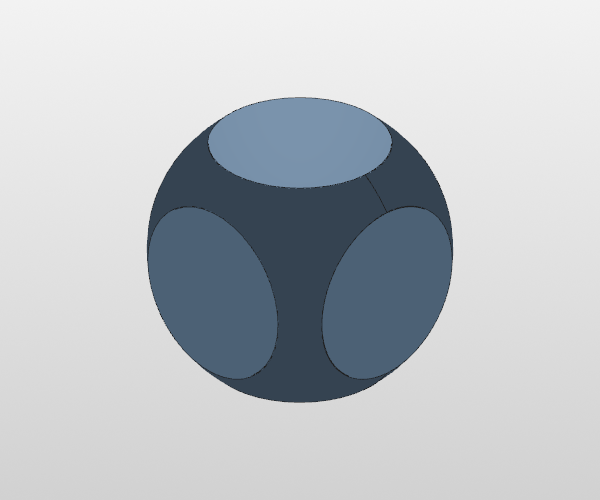
9. Boolean Intersection
Only the overlapping volume of a box and sphere is kept.
from llmcad import Box, Sphere

box = Box(40, 40, 40, color="blue")
ball = Sphere(50)
result = box & ball
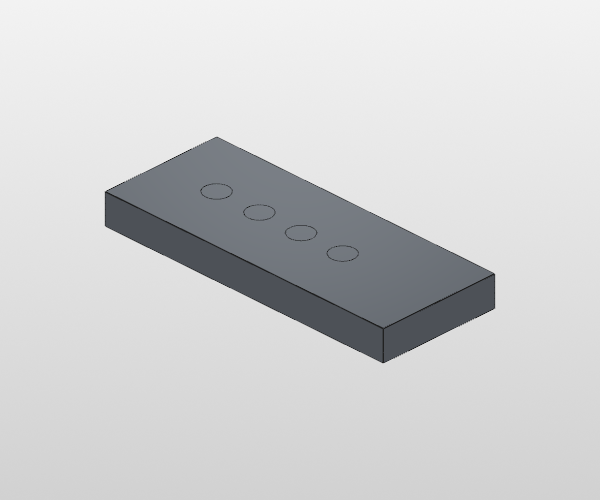
10. Multiple Holes in a Row
Five holes placed along a plate using face-local offsets.
from llmcad import Box, Circle, extrude

plate = Box(100, 40, 10, color="steel")
for dx in [-30, -15, 0, 15, 30]:
    pos = plate.top.center.move(dx=dx)
    hole = extrude(Circle(8).place_on(plate.top, at=pos), through=True)
    plate = plate - hole
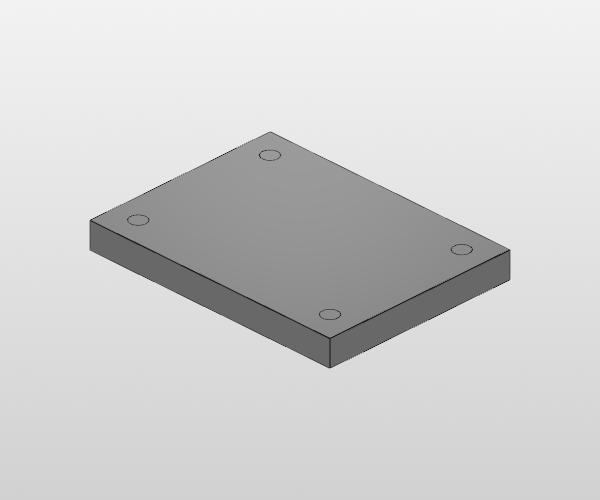
11. Corner Holes with Inset
Holes placed near each corner using .inset() --- the direction toward center is automatic.
from llmcad import Box, Circle, extrude

plate = Box(80, 60, 8, color="silver")
for corner in plate.top.corners:
    pos = corner.inset(dx=8, dy=8)
    hole = extrude(Circle(5).place_on(plate.top, at=pos), through=True)
    plate = plate - hole
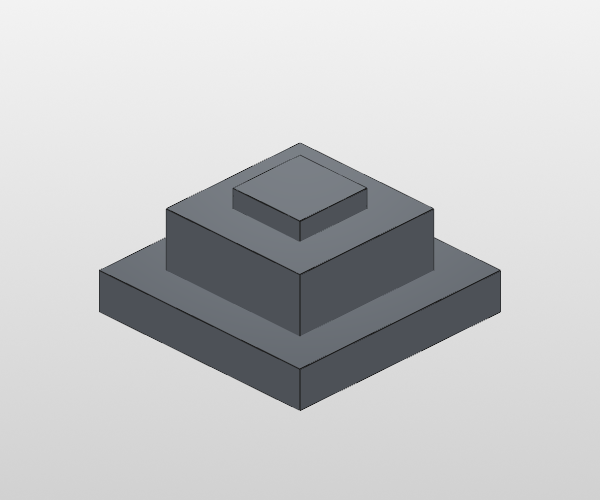
12. Stacked Boxes (Union Chain)
Three progressively smaller boxes stacked on top of each other.
from llmcad import Box, Rect, extrude

base = Box(60, 60, 10, color="steel")
mid = extrude(Rect(40, 40).place_on(base.top), amount=15)
base = base + mid
top = extrude(Rect(20, 20).place_on(base.top), amount=20)
base = base + top
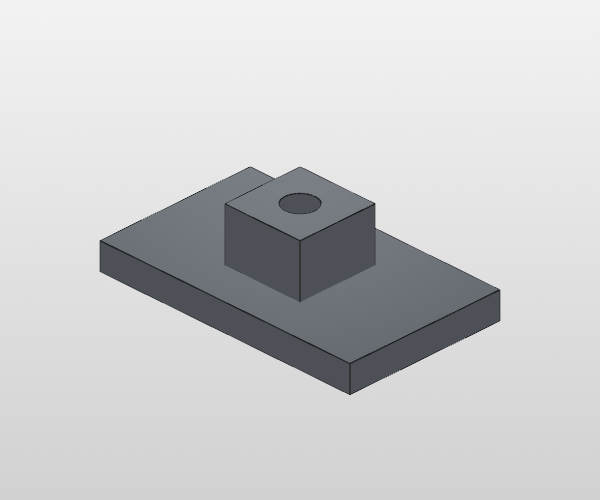
13. Boss with Through Hole
A raised boss with a circular hole cut through it.
from llmcad import Box, Rect, Circle, extrude

plate = Box(100, 60, 10, color="steel")
boss = extrude(Rect(30, 30).place_on(plate.top), amount=20)
plate = plate + boss
hole = extrude(Circle(12).place_on(plate.top), through=True)
plate = plate - hole
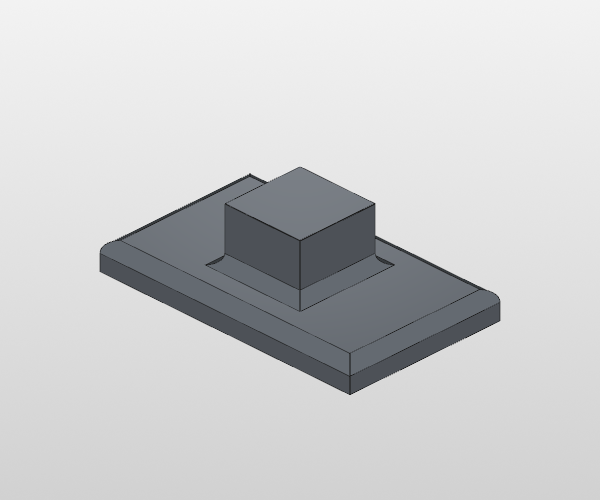
14. Filleted Boss
A boss on a plate with its top edges filleted for a smooth transition.
from llmcad import Box, Rect, extrude, fillet

plate = Box(100, 60, 10, color="steel")
boss = extrude(Rect(30, 30).place_on(plate.top), amount=20)
plate = plate + boss
plate = fillet(plate.top.edges, radius=4)
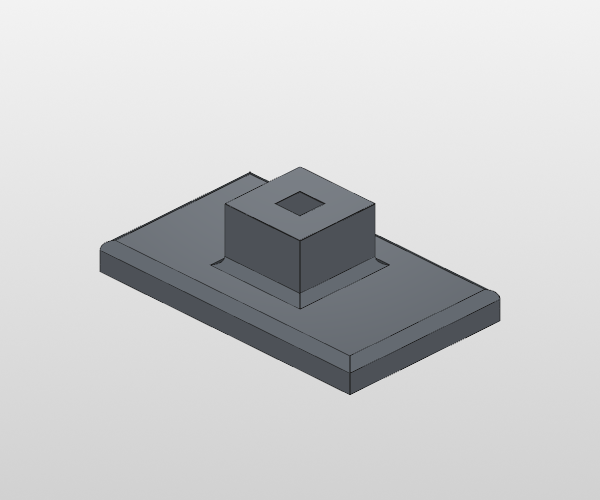
15. Mounting Plate
The complete tutorial example: a plate with a boss, through-hole, filleted edges, and corner mounting holes.
from llmcad import Box, Rect, Circle, extrude, fillet

plate = Box(100, 60, 10, color="steel")

# Boss
boss = extrude(Rect(30, 30).place_on(plate.top), amount=20)
plate = plate + boss

# Through-hole in boss
hole = extrude(Rect(10, 10).place_on(plate.top), through=True)
plate = plate - hole

# Fillet top edges
plate = fillet(plate.top.edges, radius=3)

# Corner mounting holes
for corner in plate.bottom.corners:
    pos = corner.inset(dx=8, dy=8)
    h = extrude(Circle(5).place_on(plate.bottom, at=pos), through=True)
    plate = plate - h
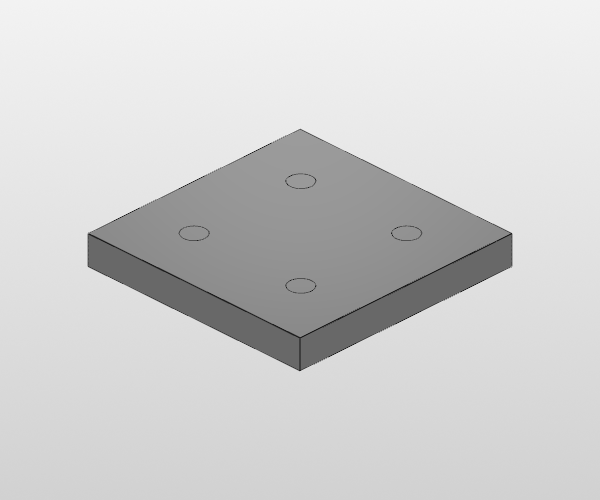
16. Grid of Holes
A 2x2 grid of holes placed with face-local offsets.
from llmcad import Box, Circle, extrude

plate = Box(80, 80, 10, color="silver")
for dx in [-20, 20]:
    for dy in [-20, 20]:
        pos = plate.top.center.move(dx=dx, dy=dy)
        hole = extrude(Circle(8).place_on(plate.top, at=pos), through=True)
        plate = plate - hole
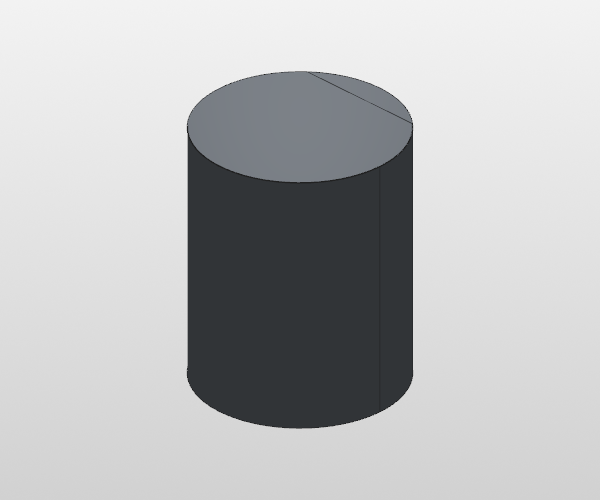
17. Cylinder with Flat Cut
A cylinder with one side shaved flat using place_at() for arbitrary sketch placement.
from llmcad import Cylinder, Rect, extrude

cyl = Cylinder(40, 50, color="steel")
cut_sketch = Rect(50, 60).place_at(origin=(0, 15, 0), normal=(0, 1, 0))
cut_body = extrude(cut_sketch, amount=30)
result = cyl - cut_body
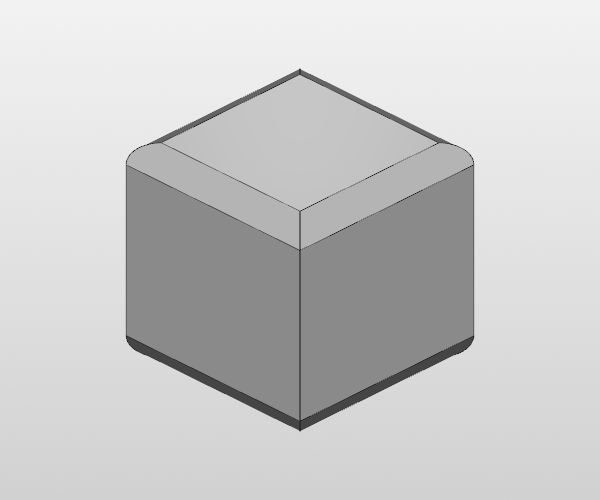
18. Rounded Box (Dice)
A box with all top and bottom edges filleted to create a dice-like shape.
from llmcad import Box, fillet

dice = Box(30, 30, 30, color="white")
dice = fillet(dice.top.edges, radius=3)
dice = fillet(dice.bottom.edges, radius=3)
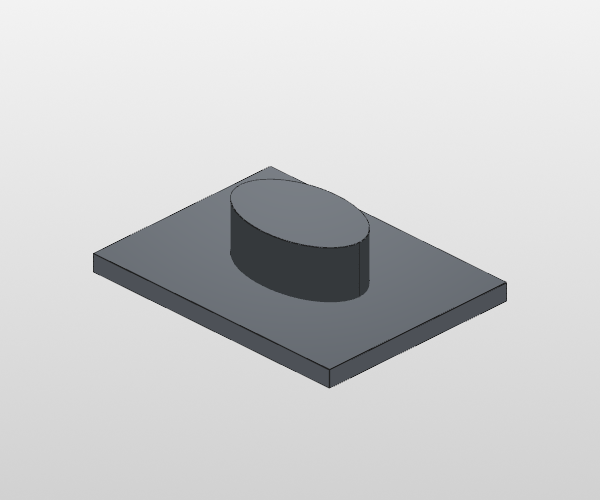
19. Ellipse Extrusion
An elliptical boss on a plate. Demonstrates the Ellipse sketch primitive.
from llmcad import Box, Ellipse, extrude

base = Box(80, 60, 5, color="steel")
boss = extrude(Ellipse(40, 25).place_on(base.top), amount=15)
result = base + boss
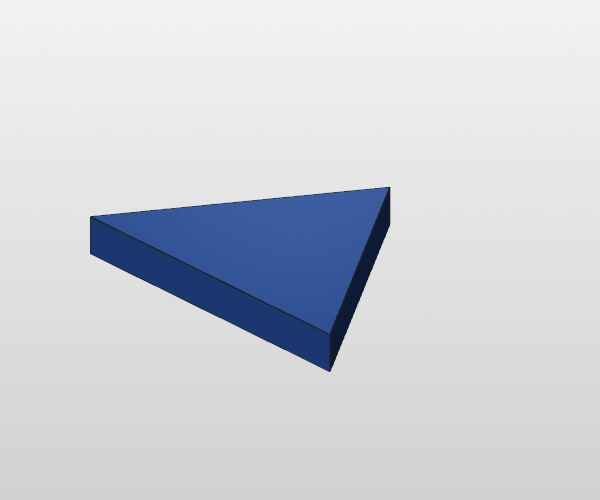
20. Polygon (Triangle Bracket)
A triangular bracket from arbitrary polygon points. Demonstrates Polygon sketch.
from llmcad import Polygon, extrude

tri = Polygon([(-20, 0), (20, 0), (0, 30)])
bracket = extrude(tri, amount=5)
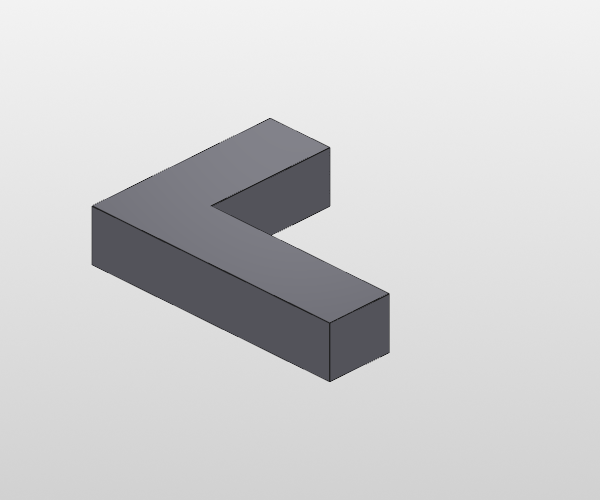
21. Sketch Builder (L-Shape)
An L-shaped profile built with the turtle-style Sketch builder and extruded.
from llmcad import Sketch, extrude

s = Sketch()
s.start(0, 0)
s.line_to(40, 0)
s.line_to(40, 10)
s.line_to(10, 10)
s.line_to(10, 30)
s.line_to(0, 30)
s.close()
l_shape = extrude(s, amount=8)
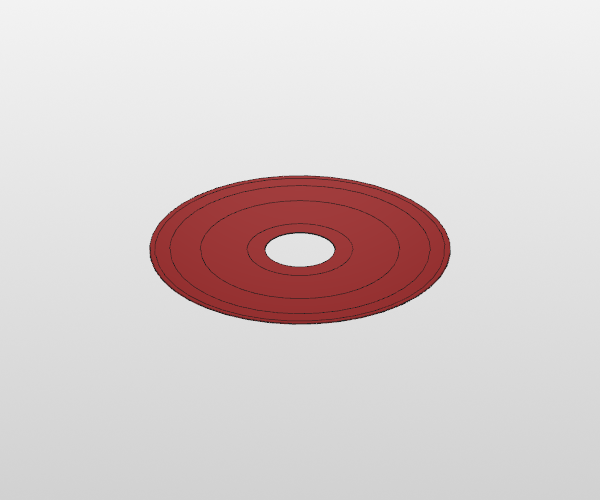
22. Revolved Vase
A vase shape created by revolving a 2D profile 360 degrees around the Z axis.
from llmcad import Sketch, revolve

profile = Sketch()
profile.start(10, 0)
profile.line_to(15, 0)
profile.line_to(20, 20)
profile.line_to(12, 35)
profile.line_to(15, 40)
profile.line_to(10, 40)
profile.close()
vase = revolve(profile)
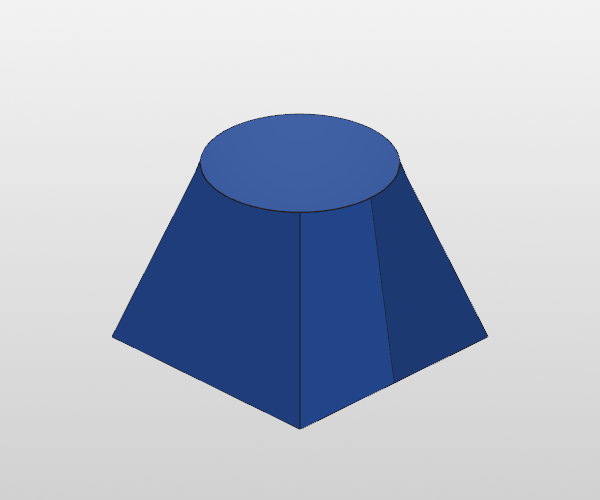
23. Loft (Square to Circle)
A smooth transition from a square base to a circular top using loft.
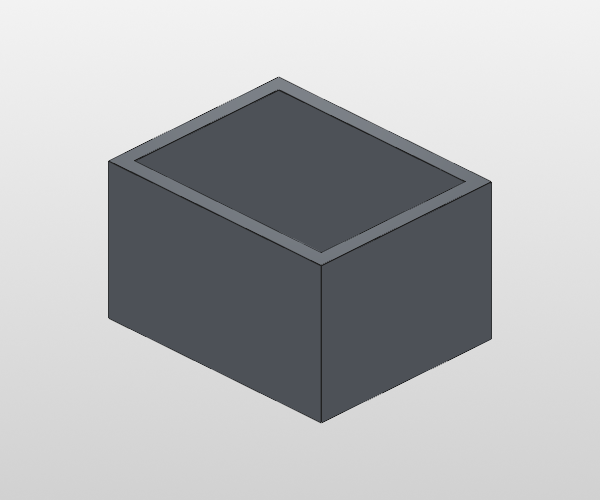
24. Shell (Hollow Box)
A box hollowed out with shell, leaving the top face open.
from llmcad import Box, shell

box = Box(50, 40, 30, color="steel")
hollowed = shell(box, thickness=3, open=[box.top])
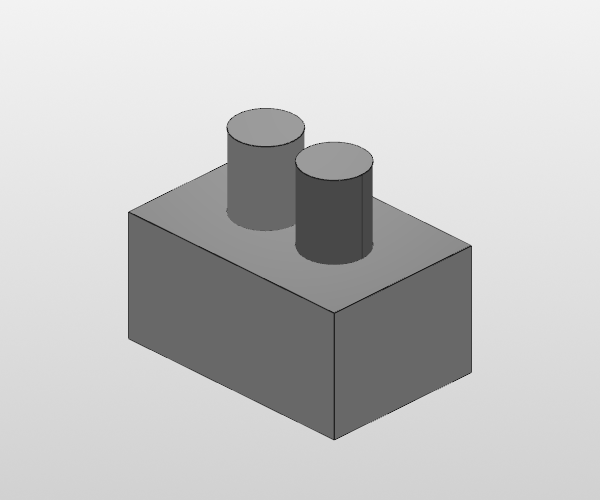
25. Mirror
A box with an offset boss, mirrored about the YZ plane to create a symmetric part.
from llmcad import Box, Circle, extrude, mirror

half = Box(30, 20, 15, color="silver")
boss = extrude(Circle(8).place_on(half.top, at=half.top.center.move(dx=5)), amount=10)
half = half + boss
mirrored = mirror(half)
full = half + mirrored
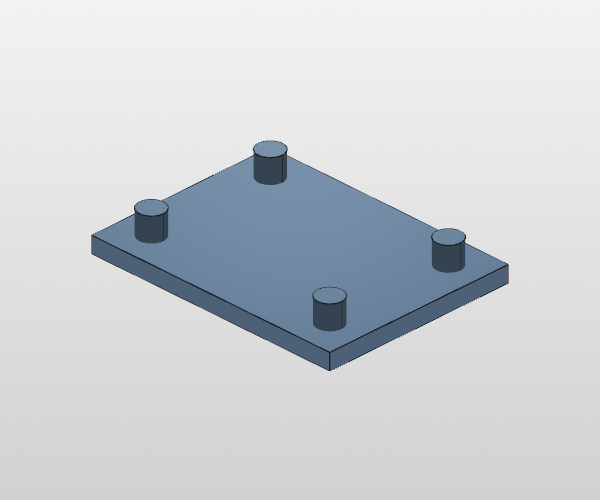
26. Assembly (Plate + Standoffs)
Four standoffs placed at the corners of a plate using place and Assembly.
from llmcad import Box, Cylinder, place, Assembly

plate = Box(80, 60, 5, color="steel")
standoff = Cylinder(8, 15, color="silver")

asm = Assembly(name="plate_assembly")
asm.add(plate, name="plate")
for corner in plate.top.corners:
    pos = corner.inset(dx=10, dy=10)
    placed = place(standoff, on=plate.top, at=pos)
    asm.add(placed, name="standoff")
result = asm.build()
Export
All examples can be exported to STEP, STL, or GLB:
from llmcad import Box, export_step, export_stl, export_glb

box = Box(50, 50, 50, color="steel")

export_step(box, "box.step")  # CAD interchange format
export_stl(box, "box.stl")    # 3D printing
export_glb(box, "box.glb")    # Web viewers (three.js, model-viewer)
See Export for full documentation.